01 · Configure
Build the procedure into the form.
Use supported field types, rules, and assignments to guide consistent work without forcing every program into the same template.
One connected field-data platform
Configure the work, collect it offline, keep ALL data in one place, review the submission, and move accepted data into useful outputs.
Build forms, define required evidence, assign responsibilities, and make the review path clear.
Collect structured values, photos, location, QR identifiers, notes, and sign-off in one mobile sequence.
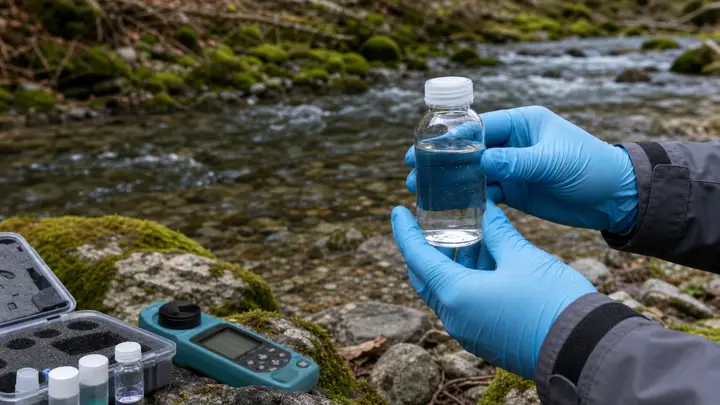 Evidence attached
 Review the submission with its evidence, then generate a report, export data, or connect a downstream workflow.
The capability atlas
Every capability has one job: make the record more complete, easier to verify, or more useful after the work is accepted.
Use supported field types, rules, and assignments to guide consistent work without forcing every program into the same template.
Complete forms and save supporting evidence on the device, then synchronize when an allowed connection is available.
Use QR scanning to support sample, asset, and work-item identification.
Evidence 01 Attach the supporting context to the record it explains.
Review submitted values, evidence, and visible record activity in the same workspace.
Import lab reports as PDF or Excel files and let AI extract the results and auto-link them to the field records they belong to.
Generate a mapped PDF report, export structured data, or turn your data into visualizations such as interactive maps, charts, graphs and data analysis.
Use supported APIs, webhooks, email, or SMS workflows where the operating process calls for them.
Evaluate the fit
Select a working area to see the capabilities that belong together.
Before the field
Create reusable forms from supported field types.
Make critical values required or constrain accepted input.
Show the next question when the response calls for it.
Organize repeating or nested parts of a field record.
Package the form with the assignment and its context.
Control who can configure, complete, and review.
At the worksite
Complete field work without an active connection.
Attach visual evidence to the record it supports.
Capture location context with the submission.
Identify a sample, asset, or work item quickly.
Record field or handoff sign-off.
Add the supporting material the process needs.
Back in the portal
Inspect values and attached evidence together.
See the visible sequence of record activity and handoffs.
Find records that match an operational question.
Keep responsibilities and access aligned.
Open submitted photos and files without losing context.
Separate reviewed records from work that needs follow-up.
After receiving lab reports
Import PDF or Excel files of lab reports.
Let our AI extract and auto-link lab results to field records.
Review the data integration and edit if necessary.
Finalize the full record by approving lab data integration.
After acceptance
Map accepted values into a repeatable report.
Export structured data for analysis or handoff.
Connect supported applications programmatically.
Notify another workflow when a relevant event occurs.
Turn accepted records into interactive maps, charts, and graphs.
Send configured operational and time-sensitive notifications.
Under the workflow
Access, storage, deployment, and recovery are part of the product decision—not background details. aQRate supports a shared service and a managed Dedicated Cloud option for organizations that need their own environment.
Explore Dedicated CloudQuestions, answered
The form builder supports configurable fields, validation, conditional behavior, and nested workflow elements. Bring a representative legacy form to a demo so the exact structure and any exceptions can be mapped before setup.
Depending on the configured form, records can include photos, audio or video, GPS coordinates, timestamps, QR code scans, sketches, notes, and captured signatures.
The platform supports REST API and webhook workflows, along with email and SMS automation. The exact integration pattern depends on your systems, authentication model, data contract, and configuration.
Start with your workflow
We’ll map it to a practical aQRate workflow and show where mobile capture, review, reporting, and connections fit.