
In our previous flagship article, we mapped out the vulnerable journey of a data point from the field to the boardroom. Today, we are zooming in on Stage 1: The Field. This is where your project’s integrity is born—and where, for many firms, it begins to unravel.
The Reality of the "Juggler"
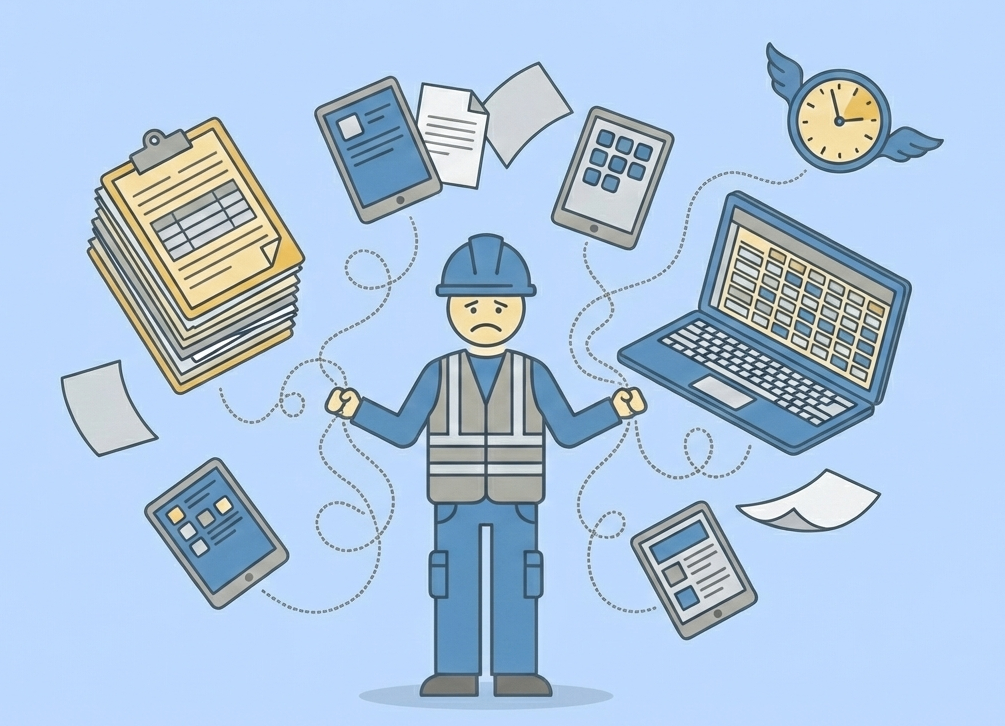
Imagine your best field technician. They are standing in a cramped mechanical room or on a windy construction site. To document a single asbestos sample or a soil reading, they are forced to perform a high-wire balancing act:
The Clipboard: Used for the primary sampling log and handwritten notes.
The Smartphone: Used to snap site photos, which then sit in a personal gallery.
The Tablet: Perhaps used for a legacy database or GPS coordinates that don’t talk to the other tools.
The Mental Load: Trying to remember if "Sample A" matches "Photo 12" on "Sheet 3".
This is the Juggler’s Dilemma. It isn't just annoying; it is a systemic failure that creates App Fatigue and Data Silos and leads to the "Human Error" that haunts your QA/QC managers later.
The Cost of the "Messy Middle"
When a technician has to manage four different devices and a stack of paper, they aren't focusing on the field work—they are focusing on the logistics. This leads to two major industry "leak points":
Data Fragmentation: Your data is "born" broken. It exists in three different places that aren't connected by anything other than the technician's memory.
The "Transcription Tax": Because the field data is on paper or spread across a variety of disjointed tools, someone (usually a high-paid Project Manager) will have to manually type it into a computer later.
How to Fix Stage 1: The "One-Stop Shop" Approach
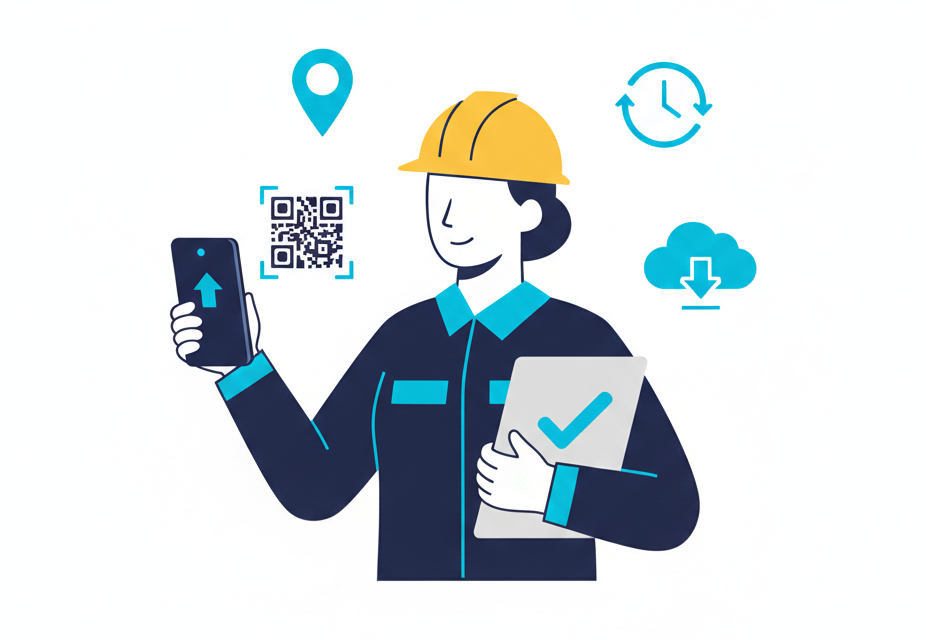
To solve the Juggler’s Dilemma, firms must move toward Integrated Field Data Collection. The goal is simple: capture the data once, in one place, and never touch it again.
Unified Inputs: Use a single digital interface where the photo is automatically linked to the sample ID and the GPS coordinate at the moment of capture.
Guided Workflows: Replace "blank" paper logs with digital forms that require specific data points (like material descriptions or quantities) before the user can move on. This eliminates the "missing data" phone calls from the office.
Offline-First Sync: Fieldwork often happens where Wi-Fi doesn't. Your tools must work in "Airplane Mode" and sync automatically the moment the tech is back in range, ensuring no data is ever left on a clipboard in a truck.
The Result: A High Performing Field Tech, Not a Juggler
When you remove the logistical friction, you empower your staff to do what you hired them for: consulting. An automated field workflow doesn't just save time; it ensures that the data entering your "system" is clean, defensible, and ready for analysis the second the technician leaves the site.
Next in our series: We head into the office to look at Stage 2: The Transcription Trap, where we’ll explore how to stop your Project Managers from being the world's most expensive data-entry clerks.